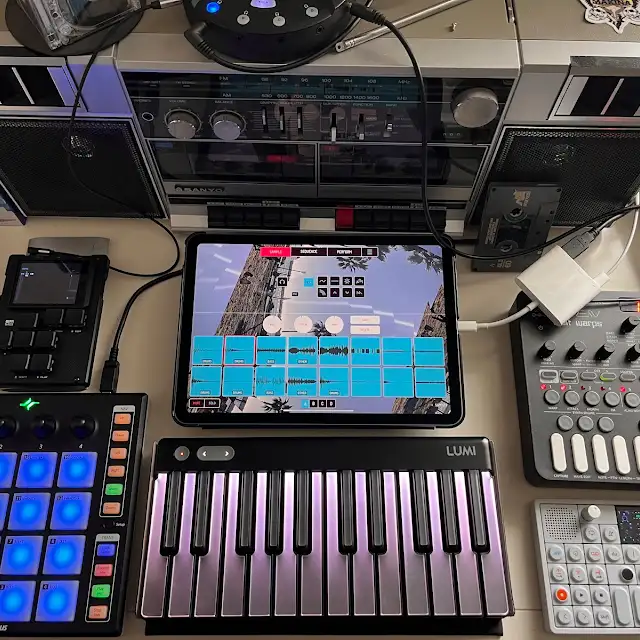

Mira Controller for Max is for users of Max 6 by Cycling ‘74 only. Mira currently requires OS 10.6 or higher as well as Max version 6.1.3.
Mira is the easiest way to control a Max application from an iPad. Launch Mira and it will automatically connect to Max and display the part of your patch you want to control remotely. When you change a button or slider on the iPad, the corresponding Max object changes, with zero setup or network configuration. It is truly a mirror of your Max patch.
Mira controls any number of Max patches on any number of computers. You can also use multiple copies of Mira to control a single patch.
There are no OSC messages to wrangle, and everything you do in Max is immediately reflected in Mira.
Mira Features:
+ Automatically control any number of patches from your device
+ Use mira.frame objects to define viewable regions in your patch. Each frame shows up as a tab in Mira.
+ Support the majority of standard Max UI objects, with more to come.
+ New mira.multitouch object allows for gestural control
+ New mira.motion object sends accelerometer data from your device
+ Multiple instances of Mira can control a single patch for collaborative performance
+ Works over WiFi or an ad-hoc network
We wanted to make it easier to connect your iPad to Max, so you could focus on the important part – using your patch! Mira handles all networking details so you can start controlling your Max patches in two easy steps. First, place a mira.frame object in your patch — this represents the screen of the iPad. Then, drop UI objects onto the frame, and they instantly appear on your device, ready to use.
Each mira.frame you add in Max creates a new tabbed view in Mira, so you can organize the control of your patch into multiple pages.
Mira is available for $49.99
IPADLOOPS GEAR PICKS
Build Your iPad Music Studio
Discover our recommended gear for making music with your iPad, from MIDI controllers and audio interfaces to headphones and essential accessories.
EXPLORE OUR AMAZON PICKS →As an Amazon Associate I earn from qualifying purchases.