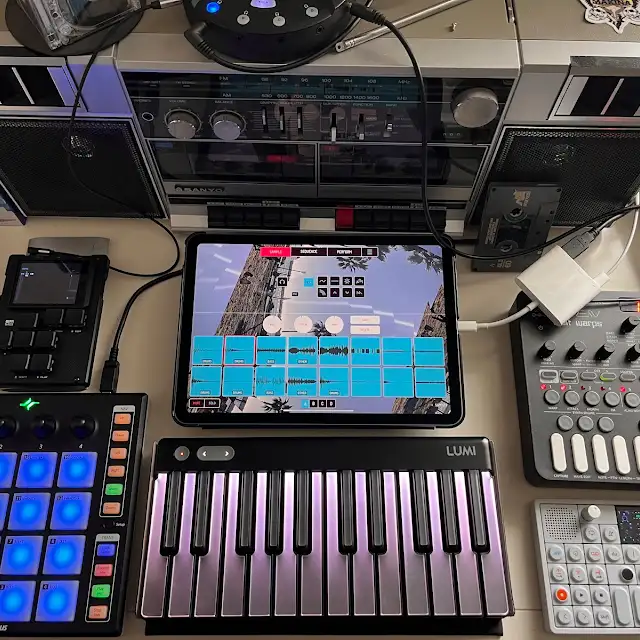


Record your ideas on the go or create entire music productions from scratch, we’ll leave it up to you! This app is a portable multitrack audio and MIDI recording studio featuring virtual instruments, editing with unlimited undo/redo, mixing, real-time effects, automation and much more!
What’s New:
* The graphics in the time line area are now drawn much faster (GPU accelerated)
* Added ToneBoosters Ferox tape-simulator plug-in
* Added count-in feature to Tempo dialog
* Reworked file browser: files now have a menu selection in front with sharing options etc.
* Added Stereo Widener effect
* After mix-down, the File browser now pops up to the MixDowns folder of the project
* 20 new soundfonts by Digital Sound Factory were added to the SoundFont shop, featuring many vintage synthesizers and orchestral instruments:
ARP 2600.SF2
ARP Axxe.SF2
ARP Solina Strings.SF2
Clavinet.SF2
Elka Rhapsody.SF2 (free!!)
JD800.SF2
Jupiter 8.SF2
JX8P.SF2
Memory Moog.SF2
OB-Xa.SF2
Orchestral Brass.SF2
Orchestral Percussion.SF2
Orchestral Small Section Strings.SF2
Orchestral Winds.SF2
Prophet 10.SF2
Prophet 600.SF2
Rhodes Electric Piano.SF2
TB303.SF2
Wurlitzer Electric Piano.SF2
Yamaha CP-70.SF2
* The soundfont shop now also contains the following discount packs, saving around 30% compared to buying the individual soundfonts:
Drum Kit pack
Orchestral pack
Synth pack 1 (7 of the new synths)
Synth pack 2 (8 of the new synths)
* Project templates: save project as a template and start a new project from a template.
* Added the option to load and save user presets for effects.
* Added an option to the settings to enable velocity for the virtual keyboard depending on the vertical touch position
* On the virtual keyboard screen, short tap on Sustain now toggles the sustain on/off. Long-tap will keep sustain for the duration of the tap.
* The soundfont dialog now scrolls to the current soundfont/bank/preset
* When several sound fonts were present, the default sound font was not always set to GeneralUser.sf2, which could lead to problems when importing MIDI files.
* The pop-up menu is now blocked when setting the time stretch point visually
* The rotation knob preference setting did not show the correct value. Solved.
* Automation wasn’t correct when playing loops. Solved.
* Swiping the area above the mixer now scrolls through the mixer channels
* Solved crash when undo-ing importing of a MIDI file
* Applying ‘Fade in/out’, Reverse or Pitch Shift on a trimmed clip would cause an exception and a clip with a negative or shortened length. Solved.
* Reduced CPU usage when displaying Toneboosters effects
* When a MIDI program change is encountered and the soundfont does not contain the preset number, the program change is now ignored. Previously, no sound would be produced.
* If a preset is selected in the instrument selection dialog, it will remove any program change from the first second of the MIDI track, to make sure the selected instrument will not be overruled.
* Solved a MIDI loop issue
* Zooming in Edit mode could start editing. Solved.
* Changed several effect parameters that control frequency to behave exponential (BandPass, LowPass, etc.)
* Editing a MIDI clip could result in the first event in the clip not playing. Solved.
* Solved a crash with arming a track in mixer view
* Changing the note length of MIDI events by using the white markers was not always quantised. Solved.
* The IAA play/stop state is now passed correctly.
Get Mobile Studio